
K–12 Makerspaces & STEM Labs
Share devices across classrooms, keep filament organized, and lock away tools after class.
Suggestions
Products
Checkout using your account
Checkout as a new customer
Creating an account has many benefits:
3D printers thrive on stability, clean cable management, and smart storage. The right stand or cart improves print quality, protects components, and makes it easy to share equipment across classrooms, labs, and studios.
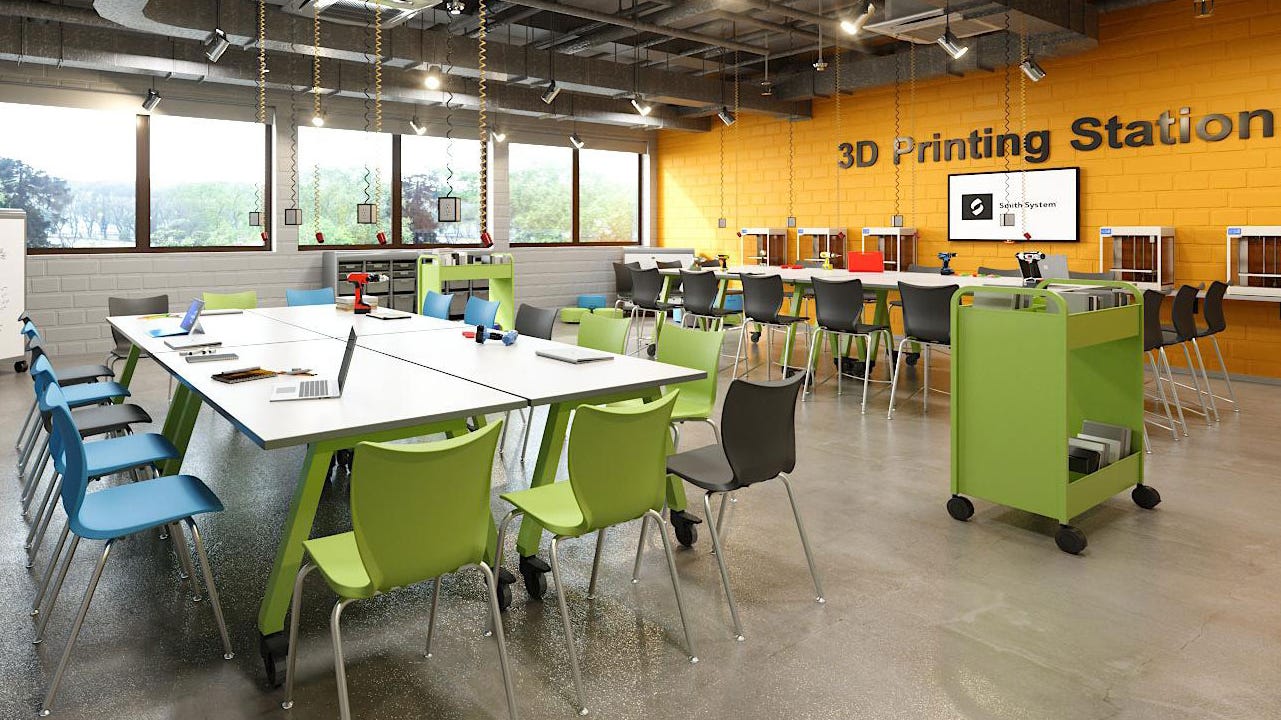
A dedicated platform designed to support one or more 3D printers with the right combination of stability, storage, power, and mobility. Unlike a generic table, purpose-built stands reduce vibration, route cables safely, and often include filament storage, lockable compartments, and heat/airflow considerations.
Stable frames and vibration isolation improve print accuracy, while integrated storage and power make setup fast and safe. Mobile carts also let you share printers between rooms without lifting heavy machines or risking cable snags.
Share devices across classrooms, keep filament organized, and lock away tools after class.
Provide public access with secure storage, simple cable paths, and easy-to-clean surfaces.
Support multi-printer fleets with power integration and ventilation options.
Compact, mobile carts keep print queues moving without tying up bench space.
Choose based on mobility, security, ventilation, and the number of printers you run.
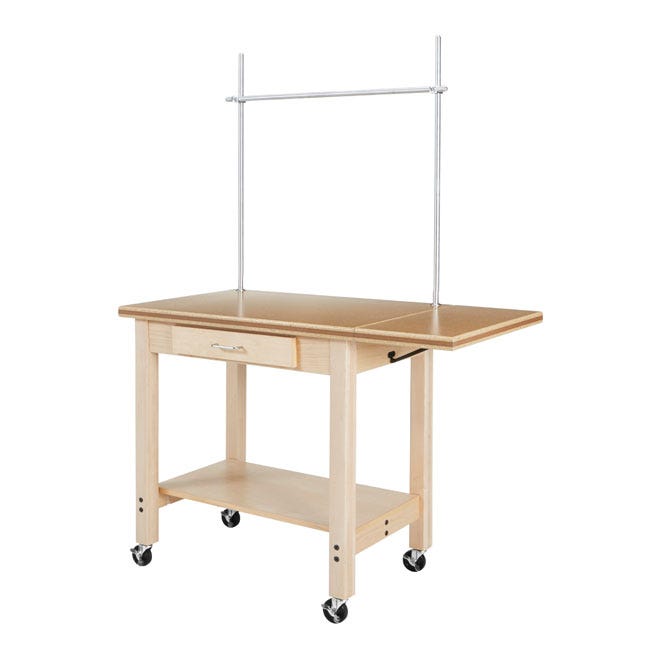
Maximum rigidity for print quality; add anti-vibration pads and cable troughs. Workbench and makerspace tables for fixed installations.

Best for sharing across rooms; look for locking casters, strap points, and tidy power routing. 3D mobile printer cart.

Security, dust control, and noise management; confirm ventilation and cable pass-through.
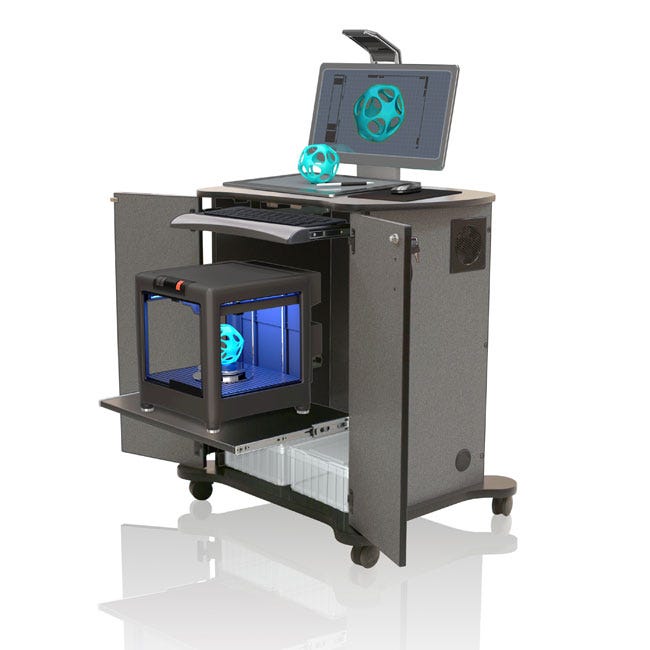
Support printers with integrated power, shared filament spindles, and labeled shelves.

Ergonomic lift mechanisms for varied users and better camera/sightline setups.

Boost print precision with sturdy, low-vibration surfaces. Pair your printer with a workbench and makerspace table for fixed installations or a 3D mobile printer cart with locking casters. Add non-slip mats or isolation pads for extra stability—no special hardware needed.
Pricing scales with materials (steel vs. laminate), load ratings, lockable storage, ventilation features, and power integration. Budget carts cover a single desktop printer; premium multi-maker carts support fleets with built-in power and security.
Heavy top bench + anti-vibration mat + side-mounted spool holder + small parts drawer.
Top platform, two adjustable shelves, filament spindle, lockable front, and cable management.
Multi-maker cart or cabinet for 3–6 printers with built-in power and ventilated access.
Stability, locking casters, lockable storage, and simple cable management to support frequent moves.
Yes—rigid frames and anti-vibration pads reduce artifacts like ringing and improve layer adhesion.
Account for the printer, accessories, and filament. Leave headroom for upgrades or added tools.
Choose a fixed bench for maximum print quality; choose a cart for shared, multi-room access.
Use covered bins or dry boxes and spindle mounts near the printer’s intake path.
If using enclosed printers or certain materials, ensure airflow and consider filtration per the manufacturer’s guidance.
Yes—locking doors and drawers protect tools, filament, and electronics between classes.
Quarterly hardware checks, caster inspection, dust removal from vents, and cleaning with non-abrasive products.


We are an approved ClassWallet vendor and you may email sales@worthingtondirect.com for a quote or submit an online quote request to get your transaction started.