Save time and stay on budget when you bundle

Shop Furniture Packages

Computer Desks Buying Guide

From digital learning labs to administrative workspaces, a purpose-built computer desk supports technology, ergonomics, and student success. This guide covers desk types, ergonomic features, cable management, and layout tips tailored to K–12 and higher-ed environments.

Classroom computer lab with desks and monitors

Key Benefits of a Purpose-Built Computer Desk

Well-designed computer desks organize technology and promote posture health. In classrooms, they encourage collaborative digital projects while protecting wiring and equipment. For educators and administrators, ergonomic setups reduce fatigue and improve productivity.

Schools gain long-term value from durable laminate and steel construction—surfaces that withstand daily student use, cleaning, and movement between tech labs or libraries. Integrated power ports and cord management help IT staff maintain neat, safe learning environments.

What to Look for When Choosing a Computer Desk

  • Size & layout: Measure classroom space, allowing at least 36" between desks for ADA compliance. Consider shared tables for group learning zones and single desks for testing or focused study.
  • Ergonomics: Proper desk height keeps wrists neutral and monitors at eye level. Adjustable models like Smith System Adjustable Computer Desks adapt to different student ages.
  • Durability & materials: Choose powder-coated steel frames and high-pressure laminate tops. Explore metal office desks for heavy-use environments.
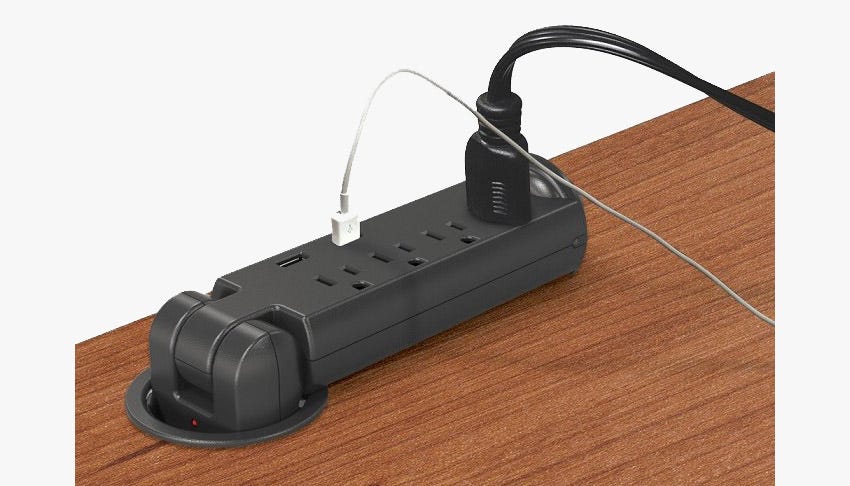
  • Technology support: Look for grommets, CPU holders, and wire trays for clean cable management. Many models, like Paragon Compute-It Desks integrate power modules for student safety and efficiency.
  • Function & adjustability: Height-adjustable or sit-stand desks promote flexible posture changes. Teachers benefit from Ultra Premium Laminate Step-Front Desks that blend storage and presentation space.
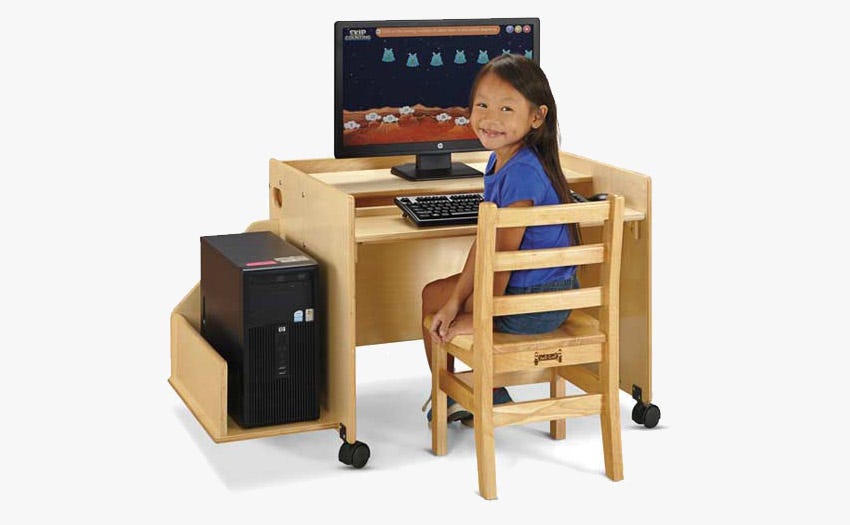
  • Audience: Younger learners may need dedicated kids computer desks and tables, while secondary and higher-ed labs require larger tops and cable management systems.

Computer Desk Styles and Configurations

Choose a computer desk configuration that matches your technology setup, classroom size, and student age group. Schools and offices often mix types—adjustable teacher stations for instruction, modular tables for computer labs, space-saving study carrels for testing areas, and mobile workstations for flexible tech learning.

Standard Computer Desks

Standard computer desks with monitors in a school lab

The classic setup for classrooms and testing environments. Provides ample surface space for monitors, keyboards, and materials—ideal for labs or administrative offices.

Adjustable Computer Desks

Height-adjustable computer desk for flexible classroom use

Height-adjustable desks fit students from elementary to high school. Manual crank or pneumatic options allow quick adaptation to different learners or teachers.

Teacher Workstations

Teacher computer workstation with monitor and storage

Designed for instruction and classroom control, these desks include storage drawers, cable routing, and lockable compartments for devices and documents.

Computer Lab Tables

Height-adjustable computer desk for flexible classroom use

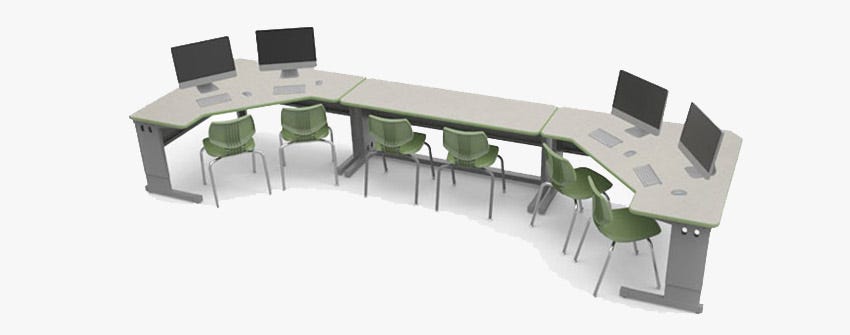
Built for group learning, these tables support multiple workstations with cable grommets, CPU mounts, and power access—great for labs or media centers.

Corner & L-Shaped Desks

L-shaped computer desk setup for office or teacher use

Maximize workspace while conserving floor area. Perfect for offices, media labs, and teacher prep areas needing dual monitors or document storage.

Mobile Computer Carts

Mobile computer cart with monitor and keyboard shelf

Casters allow teachers or IT staff to roll equipment between rooms. Look for lockable wheels, adjustable shelves, and integrated cable management.

Collaborative & Modular Desks

Collaborative modular computer desks arranged in pod layout

Combine desks into pods or U-shapes for group projects and STEM learning. Choose modular systems for easy reconfiguration across the semester.

Technology & Media Desks

Technology and media computer desks

Built for digital content creation, broadcasting, or STEM integration labs. These desks support multiple devices, AV equipment, and creative tools while managing cables and airflow efficiently.

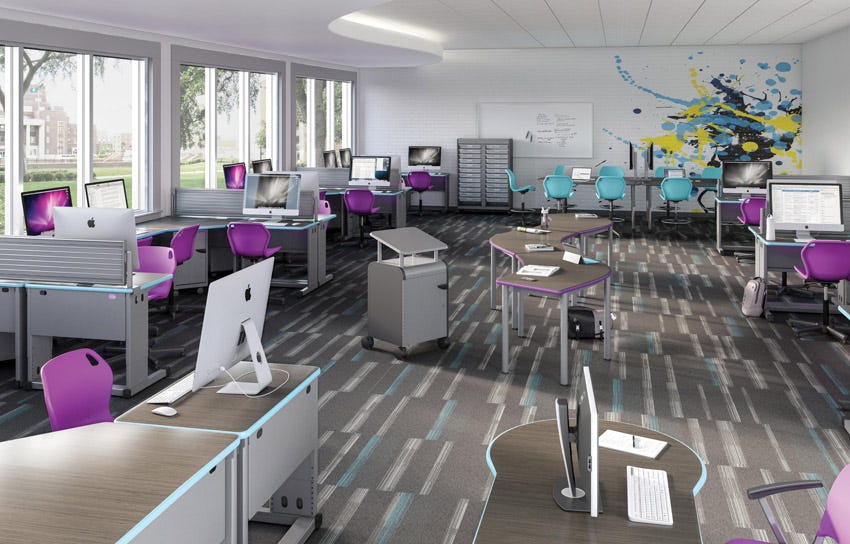
Modern school computer lab showing multiple desk styles

Best Use Cases & Layout Tips

Optimize for Learning Flow

Arrange desks to maintain line-of-sight between students and instructors. For computer labs, align rows to minimize screen glare and ensure safe cable routing.

Technology & Power Access

Centralize power strips or floor outlets to prevent tripping hazards. Select desks with built-in wire management to simplify IT maintenance and classroom resets.

Blending Styles Across Campuses

Maintain a unified visual identity by pairing desks with home office desks for administrative offices or teachers’ lounges, and computer furniture for student areas.

Computer Desk FAQs

What is the ideal size for a computer desk? â–¾

Most classrooms need 48"–60" width for a monitor, keyboard, and workspace; compact models suit tablets or Chromebooks.

Are sit-stand computer desks worth it? â–¾

Yes—height adjustability encourages better posture and energy, especially during long study or grading sessions.

How can I keep cables neat? â–¾

Use desks with grommets, trays, and CPU holders. Coordinate with IT to bundle cords safely and avoid tripping hazards.

Purchase Orders

For Public Schools and Government Offices.

submit a po

Large & Bulk Orders

We are happy to provide Volume Quotes for bulk furniture orders.

get a quote
wdicons/class-walet
wdicons/class-walet-mobile

We accept payment through ClassWallet

We are an approved ClassWallet vendor and you may email sales@worthingtondirect.com for a quote or submit an online quote request to get your transaction started.